Class 9–10BeginnerEnglish
The Human Heart & Circulation
Four chambers, one beautifully simple loop.
2 hFree
Interactive · Dr. Daniel Okafor
The free and easy way to study
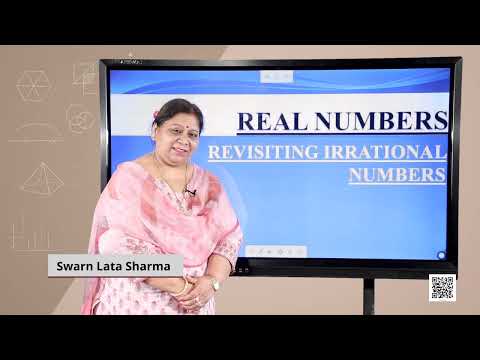
Chapter-1: Real Numbers-3
Video by NCERT - PM eVidya Class 10 · 7 min
Notes
Quiz
Bookmarks
Your notes save as you type.
90 courses and 5109 videos. Open any course and press play; a free account opens the rest.
NCERT's own videos, chapter by chapter, with a short test after the course.
Hand-picked playlists for your class, subject and goal, in order, with a reason for each.
ExamPro's full AWS, Azure, Google Cloud, Terraform, GitHub and AI courses: every video, in order, with a test at the end.
Write a lesson once; students get it step by step, on a phone, with a quiz. Teacher accounts are approved by a person.
Video lessons from
NCERTNPTEL · IIT Bombay, Delhi, MadrasExamProMagnet BrainsAmrita Skills for LifeElectrician UThe Engineering MindsetGCFLearnFreeCrashCourseTelusko
Every video plays from YouTube with the creator's own player. SkillSpring adds the order, the tracking and the tests.
Picked by hand for first-time visitors. Press play; no account needed for your first course.
Class 9–10BeginnerEnglish
Four chambers, one beautifully simple loop.
Interactive · Dr. Daniel Okafor
TradesBeginnerHindi
Day-by-day phone hardware lessons, from basic parts to IC reballing.
Videos by Advance Idea
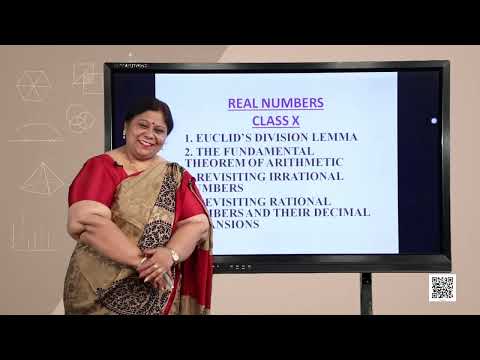
Class 9–10BeginnerEnglish · Hindi
Real numbers, polynomials, linear equations and quadratics — from NCERT.
Videos by NCERT - PM eVidya Class 10
Early learningBeginnerEnglish
Sing the sound of every letter — the first step to reading.
Videos by KidsTV123
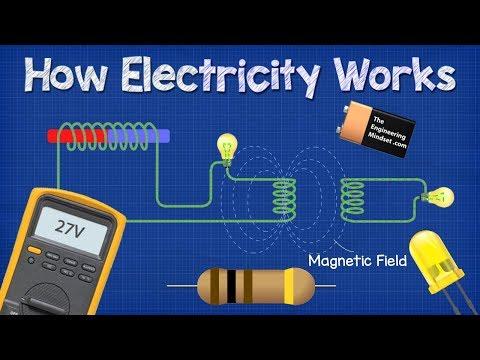
TradesBeginnerEnglish
How current, voltage, circuits, motors and relays really work.
Videos by The Engineering Mindset
Class 6–8BeginnerHindi · English
Number Play, the distributive property, and every “Figure it Out”.
Videos by Magnet Brains
GraduationBeginnerEnglish
An NPTEL course — from gcd to lists, functions and control flow.
Videos by NPTEL-NOC IITM
Class 1–5BeginnerEnglish · हिन्दी subtitles
See it, slide it, understand it.
Interactive · Ananya Rao
Study & career skillsBeginnerEnglish
Ten short videos on how to actually study — for any class or college.
Videos by Thomas Frank
Answer, then read why. The wrong options get an explanation too, so a miss teaches something.
Spaced repetition: a card you miss returns tomorrow; a card you know returns next week.
Cards you miss come back sooner. Cards you know come back later.
Write while you watch. Bookmark a moment and jump back to it from any device you log in from.
Saves as you type when you are logged in. Try editing it.
Bookmarks
The server holds the clock, so a refresh or a dropped connection never costs you time.
Question 5 of 10 · 1 mark
Which fraction is equivalent to 2/3?
Navigator
Questions, tips and issues sit under every video. A reply from the team carries a verified badge.
Rahul · learner
How do I know if a capacitor is dead without removing it from the board?
SkillSpring team Verified
Switch the phone off and set the multimeter to diode mode. A good capacitor shows a rising reading that settles; a shorted one reads near zero both ways. Day 8 shows this on the board at 6:10.
Replies from the team carry a server-checked badge, so you know who answered.
The same tools in the mobile browser. Nothing to install, and the layout is built for a small screen first.
Everything is free. Plus pays for a person to pick the right videos for you.
Two plans. One is free forever.
Free
₹0
forever
Plus
₹99
30 days · about ₹3 a day
Learning
Every course and video, in order
Resume where you stopped, on any device
Notes, bookmarks and the quiz under each video
Flashcards, mistake notebook, topic mastery
Lesson discussions
Guidance
Picks for you: the right videos for your class, in order, with a reason
First pick
The whole path
Study plan: every video and test placed on a day until your exam
Next 2 days
To your date
Revise before you forget: videos come back a week later
Monthly report card, printable, written for a parent
Headline numbers
Full report
Timed test after every course, certificate when you pass
Answers to your questions from the SkillSpring team
Pay by UPI. A person checks the payment and switches Plus on, usually within a few hours. No card, no auto-renewal. Details
Start freeGet PlusThe short answers. Anything else is in the Help Center.
Free account, no card, progress saved from the first tap.
Get Started